Get Started with AvSight Copilot

Getting set up with AvSight Copilot is a quick process that ensures your experience is tailored to your specific role and industry. Follow this guide to register and gain access to advanced features like the Knowledge Base, Feature Voting, and the Support Portal.
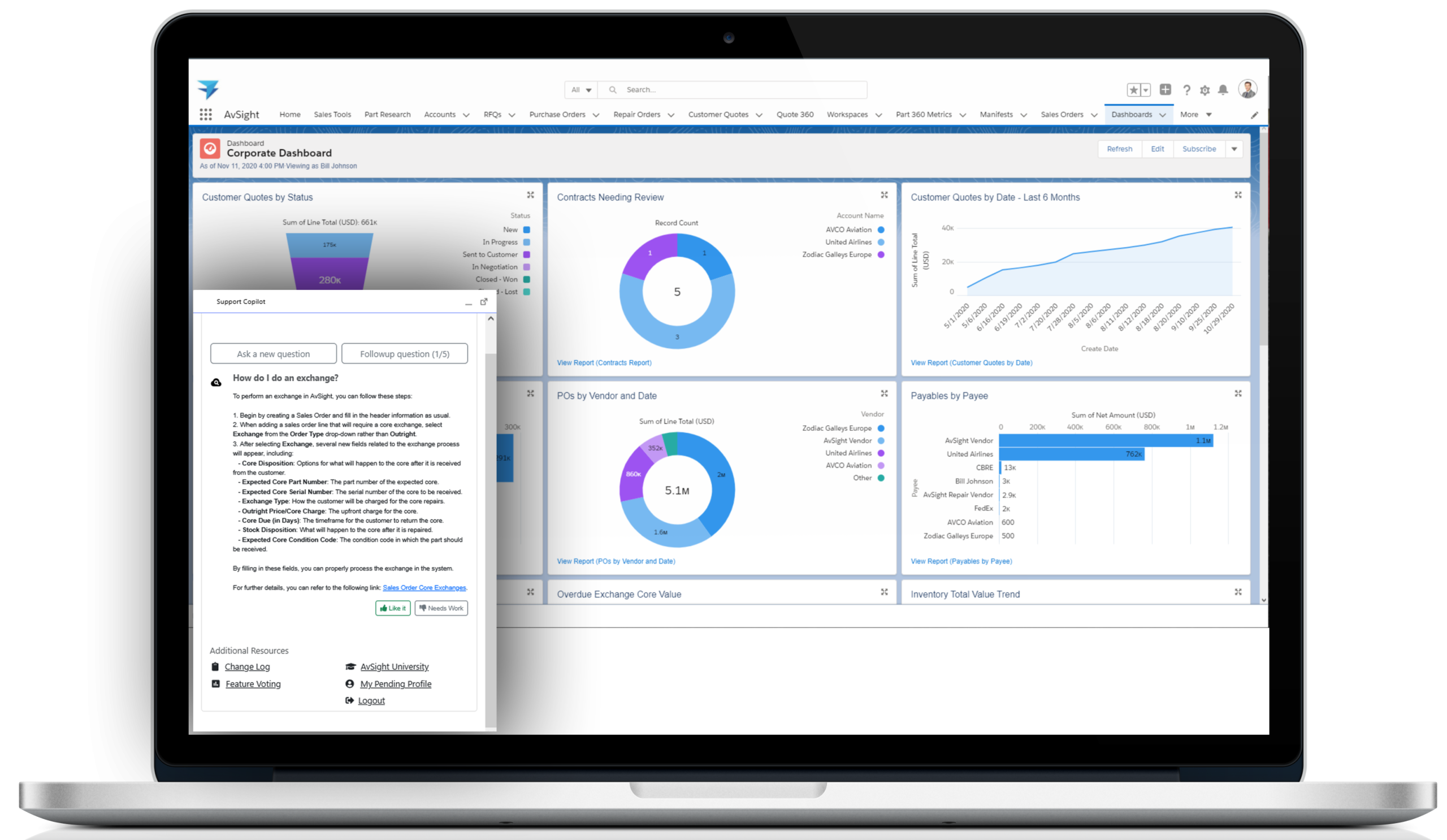
Access the Registration Page

Navigate to the Copilot portal using the link in the Quick Access area at the bottom of your AvSight instance, or go directly to https://copilot.avsight.net.

Enter Your Work Email

Enter the email address associated with your AvSight account.


  • New Users: This will trigger the registration questionnaire.
  • Existing Users: This will send a 4-digit PIN for immediate sign-in.

Complete the Registration Questionnaire

To ensure your account is correctly linked to your organization in Salesforce, you must fill out the survey. All fields are mandatory.


  • Company & Contact Info: Provide your Company name, Full Name, Job Title, and Phone Number.
  • Support Access: If you are the designated contact for your company’s support needs, ensure you check the box: “I am the AvSight Support Contact.”
  • Role & Industry: Select the options for Role, Seniority, and Business Segment that best describe your position. This helps us provide information tailored to your specific needs.

Verify Your Email

A 4-digit access code will be sent to your inbox. Enter this code into the prompt to verify your account and proceed to the dashboard.

Understanding "Pending" vs. "Approved"

  • Pending Status: You will see “My Pending Profile” at the bottom of your dashboard. You can use the AI search immediately, but advanced features (Support, Feature Voting, etc.) will be hidden.
  • Approved Status: Once the AvSight team verifies your request, your dashboard will refresh. You will then see “My Support,” “My Subscription,” and other advanced resources.

Need Help?

If you encounter issues during registration, click the “Need help?” button on any prompt or contact your system administrator.